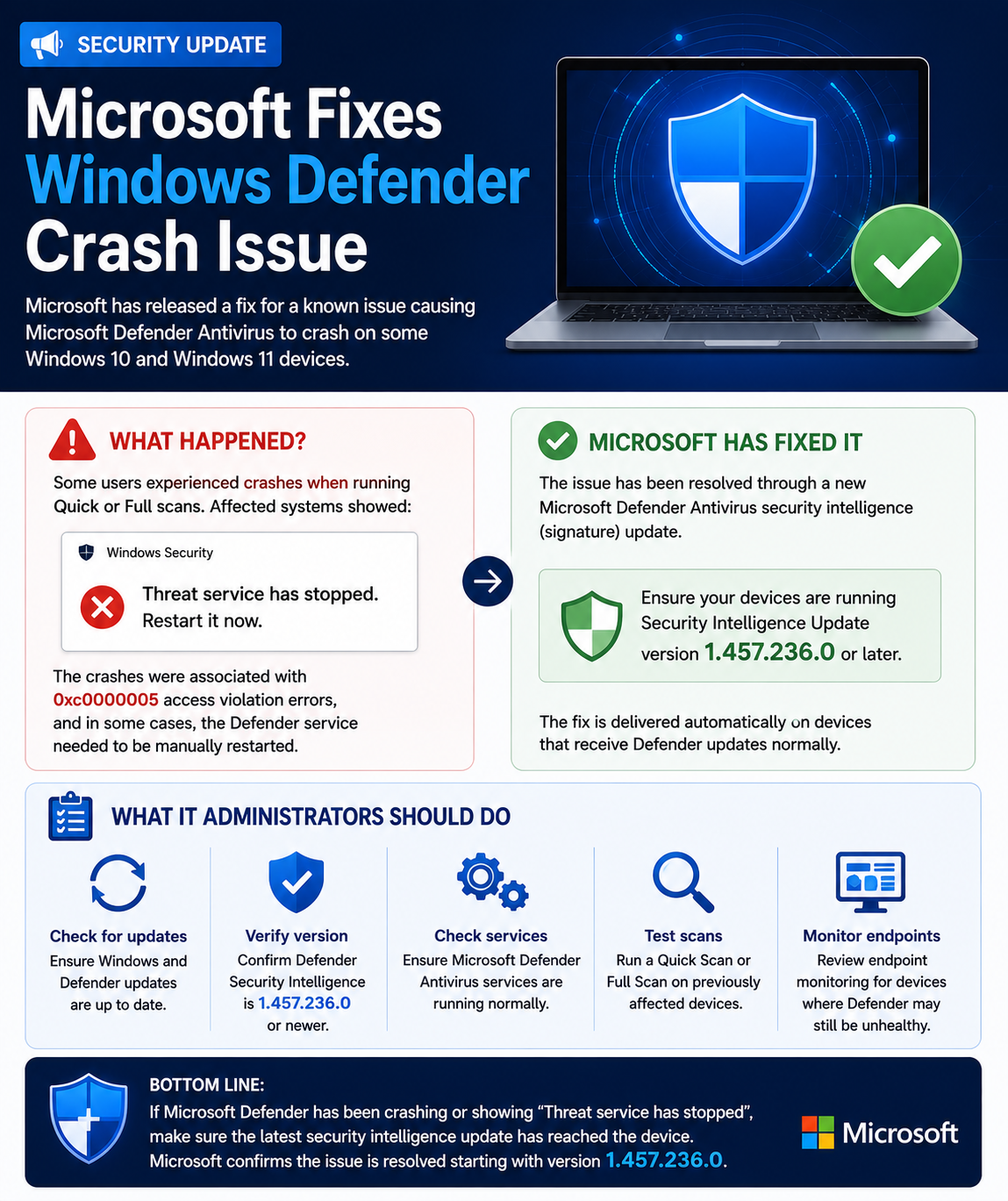
Microsoft has released a fix for a recent Microsoft Defender Antivirus issue that caused the security service to crash on some Windows 10 and Windows 11 devices.
🛡️ What happened?
Some users began experiencing Defender failures when running Quick or Full scans, with affected systems displaying:
⚠️ “Threat service has stopped. Restart it now.”
The crashes were associated with 0xc0000005 access violation errors, and in some cases the Defender service needed to be manually restarted.
🔧 Microsoft has now released a fix
According to Microsoft, the problem has been addressed through a new Microsoft Defender Antivirus security intelligence/signature update.
Organizations should ensure devices are running:
✅ Security Intelligence Update version 1.457.236.0 or later
The fix should install automatically on systems receiving Defender updates normally.
💻 What should IT administrators do?
For affected Windows devices:
🔹 Check for the latest Windows and Defender updates
🔹 Verify Defender Security Intelligence is 1.457.236.0 or newer
🔹 Confirm Microsoft Defender Antivirus services are running normally
🔹 Test a Quick Scan or Full Scan on previously affected devices
🔹 Review endpoint monitoring for devices where Defender may still be unhealthy
💡 Bottom line: If Microsoft Defender has recently been crashing or displaying “Threat service has stopped”, make sure the latest security intelligence update has reached the device. Microsoft says the issue is resolved beginning with version 1.457.236.0.